Same device on phones
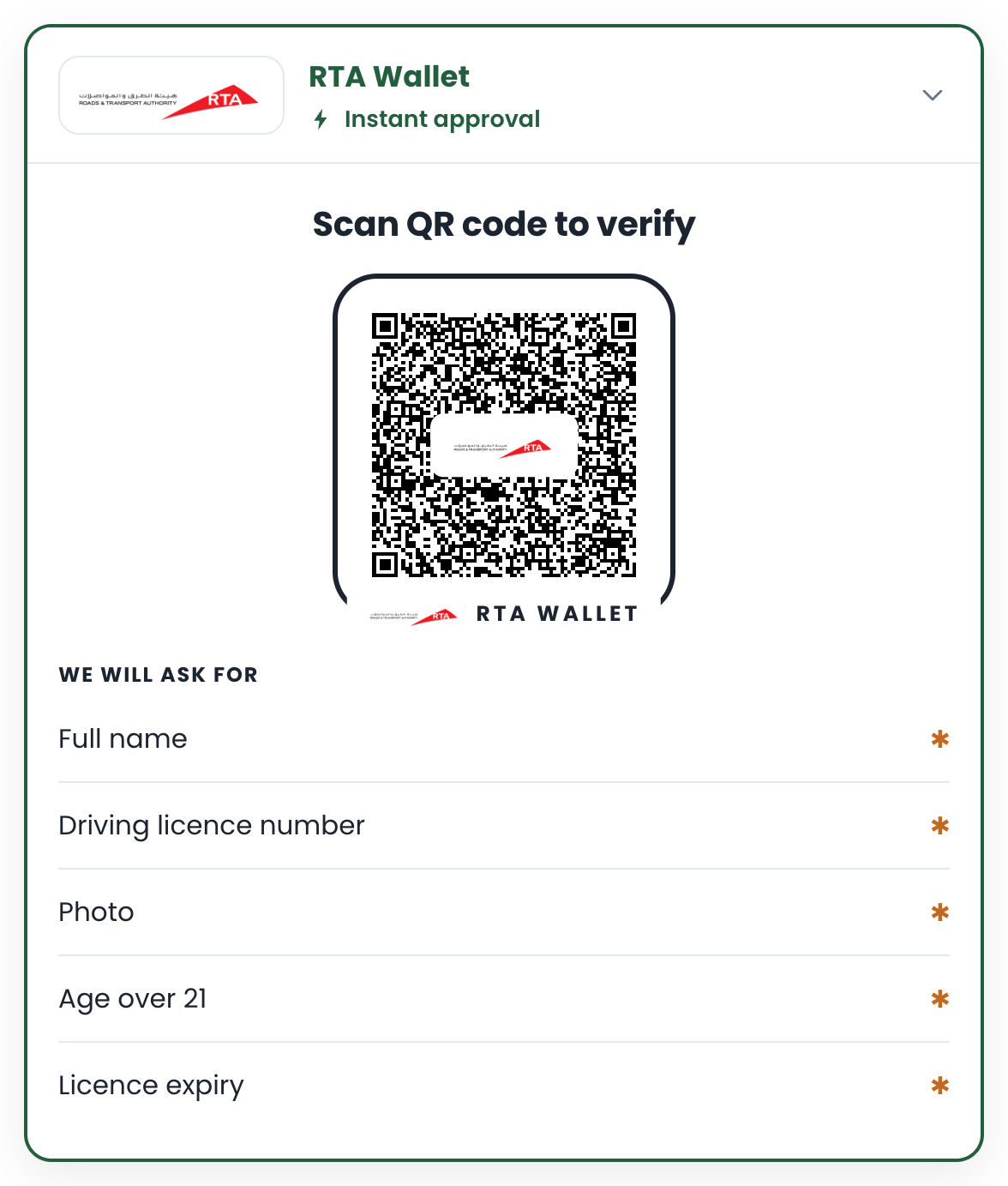
Most customers verify on the phone they are browsing with. On a phone the QR code is a button: a tap opens the wallet, the holder approves, and the site’s tab, still open, turns green. DriveNow is the worked example: a car-subscription site that confirms a driving licence before payment.
The four ways a phone reaches the wallet
Section titled “The four ways a phone reaches the wallet”flowchart LR
T([Tap on the QR]) --> D{Digital Credentials API?}
D -- yes --> S[System ID sheet]
D -- no --> L{Verified link for this wallet?}
L -- Android --> AL[App Link https://your-site/w/id]
L -- iOS --> UL[Universal Link https://wallet-host/open]
L -- neither --> DL[openid4vp:// deep link]
S & AL & UL & DL --> W([Wallet opens with the request])
| Path | What the customer sees | What your site needs |
|---|---|---|
| Android App Link | the wallet opens, no chooser | a /w/<id> route on your site plus /.well-known/assetlinks.json naming the wallet |
| iOS Universal Link | the wallet opens, no prompt | the wallet’s link host in link-host; the wallet’s site serves the association file |
Deep link openid4vp:// |
the wallet opens, sometimes after an app chooser | nothing; the fallback |
| Digital Credentials API | the phone’s own “share your ID” sheet | dc-api on the box; the wallet must be registered with the OS |
The box tries them in that order and falls back on its own. On a laptop the QR is scan-only.
-
Give the box the wallet’s link settings.
licence-step.tsx // DriveNow's licence step: the same box, with the wallet's link settings for same-device hand-off.'use client'import { useEffect, useRef, useState } from 'react'import type { WalletVerifyElement, VerifyResult } from '@wallet/verify'const ASK_FOR ='Given names=given_name, Family name=family_name, Driving licence number=document_number, Photo=portrait, Age over 21=age_over_21, Licence expiry=expiry_date'export function LicenceStep({ onVerified }: { onVerified: (claims: Record<string, unknown>) => void }) {const ref = useRef<WalletVerifyElement>(null)const [waiting, setWaiting] = useState(true)useEffect(() => { void import('@wallet/verify') }, [])useEffect(() => {const el = ref.currentif (!el) returnconst handler = (e: Event) => {const r = (e as CustomEvent<VerifyResult>).detailif (r.state !== 'verified') returnsetWaiting(false)onVerified(r.claims) // then confirm on the server, as in tutorial 1}el.addEventListener('verified', handler)return () => el.removeEventListener('verified', handler)}, [onVerified])return (<section aria-busy={waiting}><wallet-verifyref={ref}endpoint="https://hakim-verify-api.vercel.app/v1/pk_live_yourkey"wallet-name="RTA Wallet"wallet-logo="/rta-logo.png"fields={ASK_FOR}ios-scheme="abdulhakimsgwallet"link-host="hakimwallet.abdulhakimsg.com"app-link="true"/></section>)} -
Serve the App Link target (Android). A verified
httpslink opens the wallet directly; the route turns it into the session’s deep link.app/w/[id]/route.ts // Android App Link target on YOUR site (Next.js: app/w/[id]/route.ts). A verified https link opens// the wallet directly; this route turns it into the session's deep link.import { api } from './verify-api'export async function GET(_req: Request, { params }: { params: Promise<{ id: string }> }): Promise<Response> {const { id } = await paramsconst session = await api().describeSession(id)return Response.redirect(session.deepLink, 302)}public/.well-known/assetlinks.json [{ "relation": ["delegate_permission/common.handle_all_urls"],"target": { "namespace": "android_app", "package_name": "<the wallet's package>","sha256_cert_fingerprints": ["<the wallet's signing certificate>"] } }]The wallet’s manifest lists your host, so this is agreed per wallet. For the demo wallet, send us your host name.
-
Pass the Universal Link host (iOS). The box builds
https://<link-host>/open?…; if the wallet is installed iOS opens it there, otherwise the wallet’s site bounces to its private scheme. You only setlink-host. -
Turn on the Digital Credentials API (optional) with
dc-apion the element. Where the browser supports it, the whole exchange happens in the system sheet. Where it does not, nothing changes.
Next: Go live.