Build verification into your website
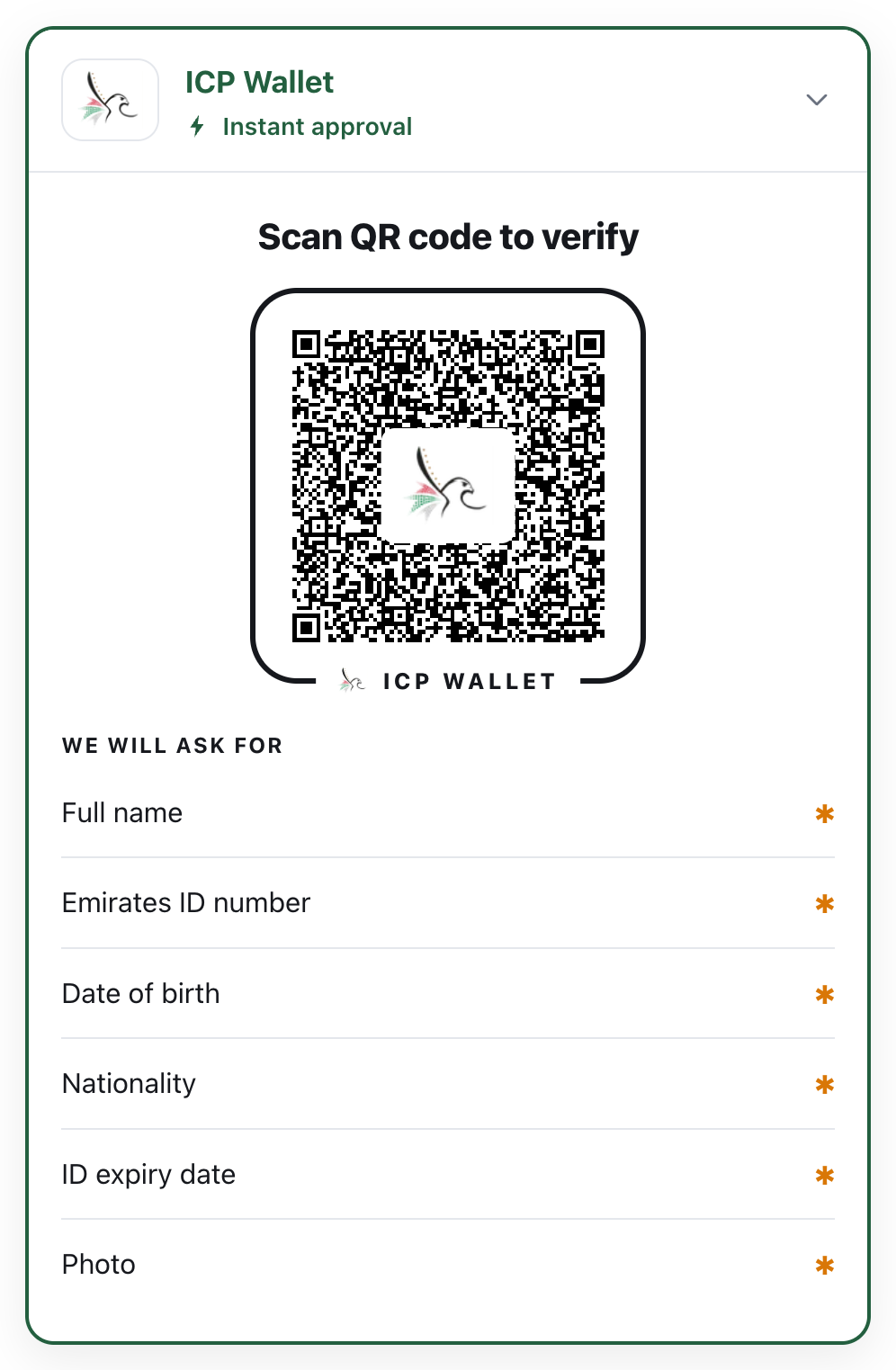
You add one element to a page. It shows the wallet’s QR code (tappable on a phone), lists the fields you will ask for, and turns into a green tick with the received fields once the customer approves. The checking never runs in the browser: it runs on the Verify API, and your server reads the outcome from there with a secret key.
How it works
Section titled “How it works”sequenceDiagram
autonumber
actor C as Customer
participant B as Browser (the box)
participant A as Verify API
participant W as Wallet
participant S as Your server
B->>A: POST /new
A-->>B: session id, QR / deep link
C->>W: Scans or taps the QR
W->>A: GET /request/:id (signed request)
W->>C: Names the site, lists the fields
C->>W: Approves
W->>A: POST /response/:id
A->>A: Verify signature, device binding, validity
B->>A: GET /result/:id
A-->>B: verified: show the tick
B->>S: "session :id is verified"
S->>A: GET /v1/results/:id (secret key)
A-->>S: the result you act on
The browser shows a QR code and asks “is it done yet?”. Your server reads the outcome with the secret key and decides whether the customer continues.
What you need
Section titled “What you need”| The box | npm install of one package, @wallet/verify |
| A tenant on the Verify API | a publishable key for the page and a secret key for your server; we configure the name the wallet shows, the document and fields, the issuers you trust and your allowed origins |
| A phone with a wallet | the demo wallet for pilots; any standards-based wallet in production |
Worked example
Section titled “Worked example”Hello Mobile is the demo: a mobile operator’s signup that verifies an Emirates ID at the identity step. The Quickstart rebuilds that step with Hello Mobile’s own code; the code is compiled and tested in the SDK repository, so it runs as shown.
Next: Quickstart.