Wallet SDK
People carry verifiable credentials on their phones: a driving licence, an Emirates ID, a competition licence. Each one is signed by the authority that issued it, tied to the phone, and shared only when the holder agrees. The Wallet SDK lets your product use them. What they are.
Three products, one SDK
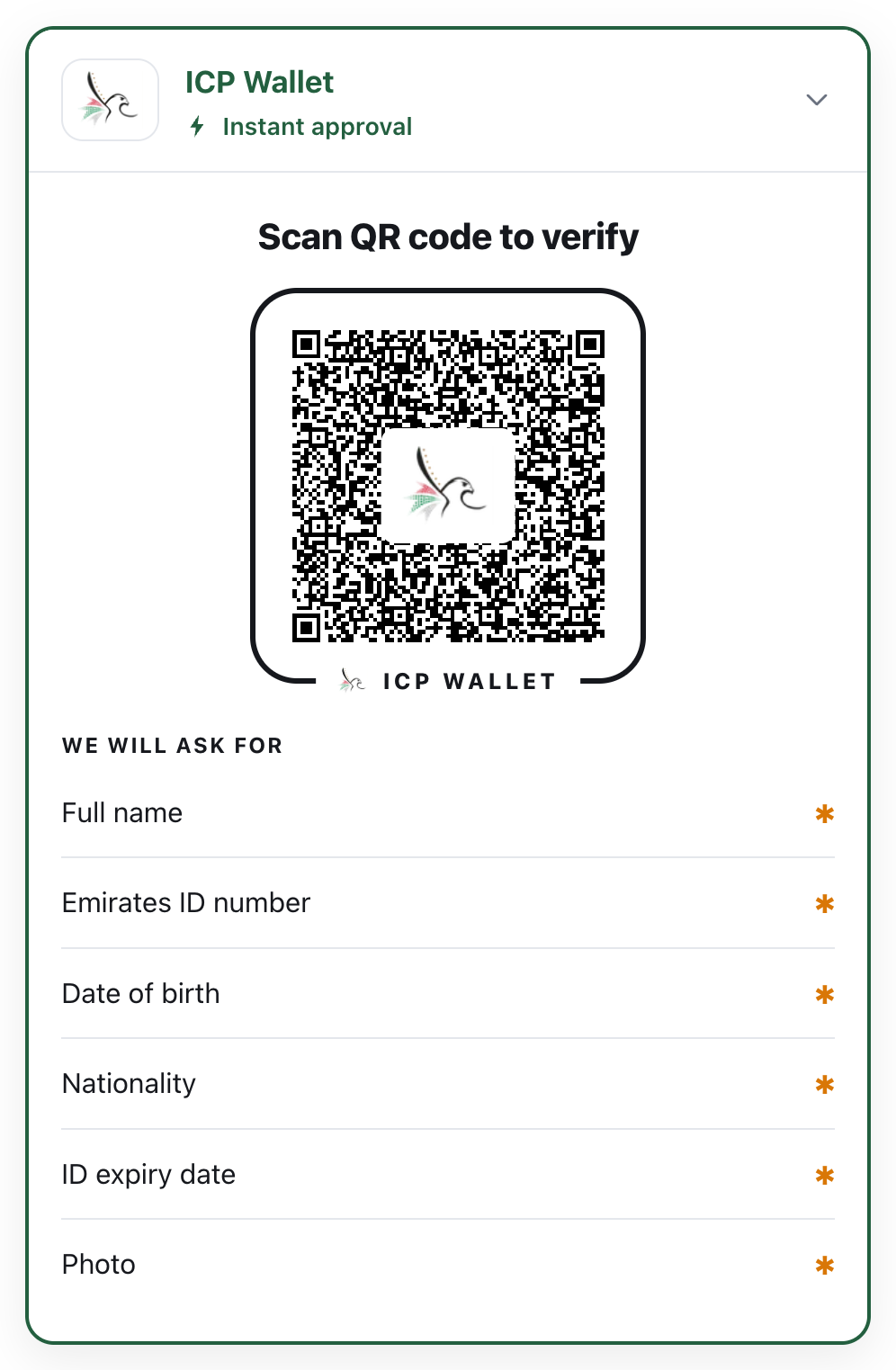
Section titled “Three products, one SDK”Build verification into your websiteOne HTML element. The customer scans or taps, approves on their phone, and your server gets the verified fields. Live in an afternoon.
Build a verifier appA native Android and iOS screen for counters and field staff. Pick a check, scan the phone, read yes or no. Works offline.
Build a wallet appHold verifiable credentials in your own app with ready-made screens, and present them in person or to websites.
How a check works
Section titled “How a check works”The same five steps every time, on a website or at a counter.
sequenceDiagram
    autonumber
    actor H as Holder (the customer)
    participant W as Wallet (holder's phone)
    participant V as Verifier (your site or app)
    V->>W: Signed request: which document, which fields
    W->>H: Names the verifier, shows the fields
    H->>W: Approves
    W->>V: Only the approved fields, signed by the phone
    V->>V: Checks issuer signature, device binding, validity, revocation
    V-->>V: One result: accept, reject or inconclusive
Nothing leaves the phone without the holder’s approval, and you receive only the fields you asked for. The details are in Trust and Security and privacy.
Start here
Section titled “Start here”Try it in 5 minutesWatch a real check happen between a phone and a website.
The demosFour working products built with the SDK, with live links.
Install & versionsThe zip, the packages, and how to add them to a project.
SupportKeys, builds, trust lists and updates.