Hold and show credentials
The wallet screen does all of this. If you build your own screens, the holder API is sdk.wallet:
package samples
import com.wallet.WalletSdkimport com.wallet.model.PresentmentStateimport com.wallet.model.SdkResultimport kotlinx.coroutines.flow.collect
/** The holder API behind `WalletScreen`, for apps that build their own screens. */class HolderApi(private val sdk: WalletSdk, private val ui: Ui) {
    interface Ui {        fun showCards(lines: List<String>)        fun showQr(payload: String)        fun askConsent(readerName: String?, requested: Any, onAnswer: (Boolean) -> Unit)        fun showError(message: String?)        fun done()    }
    /** List what the wallet holds; the flow updates as credentials come and go. */    suspend fun listCredentials() {        sdk.wallet.credentials().collect { list ->            ui.showCards(list.map { "${it.displayName}  ${it.docType}  valid until ${it.validUntil}" })        }    }
    /** One credential with its portrait and every field, labelled. */    suspend fun details(credentialId: String) {        val detail = sdk.wallet.details(credentialId)        detail?.claims?.forEach { println("${it.label}: ${it.value}") }    }
    /** Receive a credential from an issuer's offer (a scanned QR or a link). */    suspend fun issue(offerUri: String) {        when (val preview = sdk.wallet.previewOffer(offerUri)) {        // read-only, nothing redeemed yet            is SdkResult.Success -> println("Offer from ${preview.value.issuerName}: ${preview.value.credentialName}")            is SdkResult.Failure -> return ui.showError(preview.error.message)        }        when (val issued = sdk.wallet.issueFromOffer(offerUri)) {       // after the holder confirms            is SdkResult.Success -> println("Issued ${issued.value.displayName}")            is SdkResult.Failure -> ui.showError(issued.error.message)        }    }
/** Present in person: show the QR, let the verifier connect, release only the approved fields. */ suspend fun present(credentialId: String? = null) { val session = sdk.wallet.startPresentment(credentialId) session.state.collect { state -> when (state) { is PresentmentState.Engaging -> state.qrPayload?.let(ui::showQr) // the verifier scans this is PresentmentState.Consent -> ui.askConsent(state.readerName, state.requested) { approved -> if (approved) session.approve(state.requested) else session.cancel() } is PresentmentState.Completed -> ui.done() is PresentmentState.Failed -> ui.showError(state.error.message) else -> {} } } }}import Wallet
/// What your own screens do; the samples leave it to you.protocol HolderUi { func showCards(_ lines: [String]) func showQr(_ payload: String) func askConsent(readerName: String?, requested: Set<String>, onAnswer: @escaping (Bool) -> Void) func showError(_ message: String?) func done()}
/// The holder API behind the wallet screen, for apps that build their own screens.final class HolderApi { private let sdk: WalletSdk private let ui: HolderUi init(sdk: WalletSdk, ui: HolderUi) { self.sdk = sdk; self.ui = ui }
/// List what the wallet holds; the flow updates as credentials come and go. func listCredentials() async throws { try await sdk.wallet.credentials().collect(collector: Collector<[CredentialSummary]> { list in self.ui.showCards(list.map { "\($0.displayName) \($0.docType) valid until \($0.validUntil ?? 0)" }) }) }
/// One credential with its portrait and every field, labelled. func details(credentialId: String) async throws { let detail = try await sdk.wallet.details(credentialId: credentialId) detail?.claims.forEach { print("\($0.label): \($0.value)") } }
/// Receive a credential from an issuer's offer (a scanned QR or a link). func issue(offerUri: String) async throws { let preview = try await sdk.wallet.previewOffer(offerUri: offerUri) // read-only, nothing redeemed yet if let failed = preview as? SdkResultFailure { return ui.showError(failed.error.message) } if let ok = preview as? SdkResultSuccess<OfferPreview>, let offer = ok.value { print("Offer from \(offer.issuerName): \(offer.credentialName)") } let issued = try await sdk.wallet.issueFromOffer(offerUri: offerUri) // after the holder confirms if let ok = issued as? SdkResultSuccess<CredentialSummary>, let credential = ok.value { print("Issued \(credential.displayName)") } else if let failed = issued as? SdkResultFailure { ui.showError(failed.error.message) } }
/// Present in person: show the QR, let the verifier connect, release only the approved fields. func present(credentialId: String? = nil) async throws { let session = sdk.wallet.startPresentment(credentialId: credentialId) try await session.state.collect(collector: Collector<PresentmentState> { state in switch state { case let s as PresentmentStateEngaging: if let qr = s.qrPayload { self.ui.showQr(qr) } // the verifier scans this case let s as PresentmentStateConsent: self.ui.askConsent(readerName: s.readerName, requested: s.requested) { approved in if approved { session.approve(disclosedAttributes: s.requested) } else { session.cancel() } } case is PresentmentStateCompleted: self.ui.done() case let s as PresentmentStateFailed: self.ui.showError(s.error.message) default: break } }) }}Kotlin flows and results arrive as Kotlin types: Collector (in the same sample folder) collects a flow,
and a result is SdkResultSuccess or SdkResultFailure.
Receiving a credential
Section titled “Receiving a credential”Issuers hand out credential offers: a QR code or a link (openid-credential-offer://…). The wallet
previews the offer (issuer name, credential name), the holder confirms, and the credential is issued
straight into the wallet, bound to a new key in the phone’s secure hardware. The wallet screen includes the
scanner and the confirmation sheet.
- The wallet speaks OpenID for Verifiable Credential Issuance (pre-authorised code flow). Any conforming issuer works; the demo’s competition licence comes from a real issuing platform.
- Some issuers accept only Bearer tokens instead of DPoP-bound ones;
DpopPolicy.ALLOW_BEARER_FALLBACK(the default) handles that per issuer.
Showing credentials
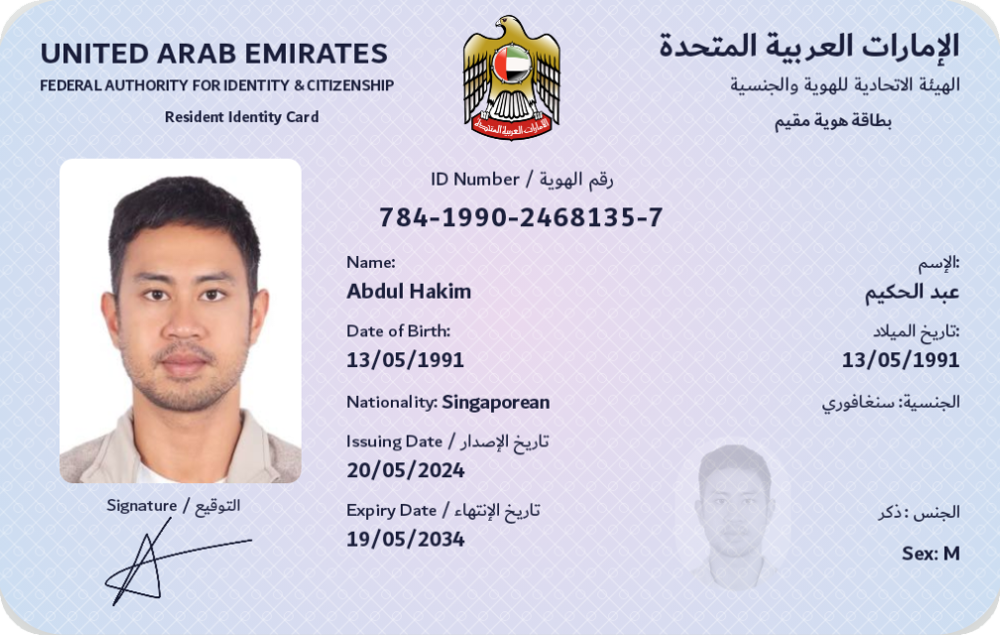
Section titled “Showing credentials”Fields are labelled and formatted from the document type: dates as dates, booleans as Yes / No, the ISO sex code as Male / Female, the portrait as an image. Each document type has a card design drawn from the signed data; the drawn card is what the wallet, the consent sheet and the iOS Digital Credentials sheet show.
Next: Present.